


Synology NAS DS211 & DS411j Review

Users, Maintenence & Backup
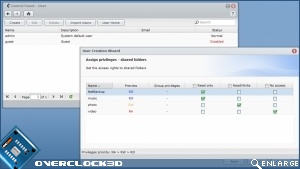
Whether you have just 4 users or an elaborate array of 1024 users across dozens of groups, assigning user credentials and strong access permissions is all too important on a device carrying centralised (and potentially sensitive) data. The Synology DSM supports individual and group permissions for Read/Write, Read or Disabled access across all shared folder (as shown below)
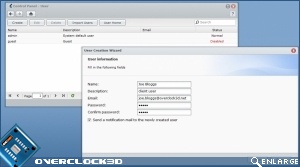
Simply assign your client’s username/password credentials and the job is almost done; note that the system will email your user once their account has been activated.
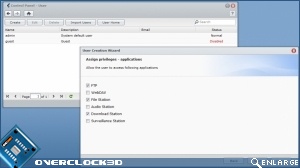
As we will cover shortly, these NAS devices come bundled with a number of applications. Under user permissions you may also specify the applications that a given user may access.
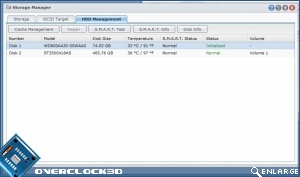
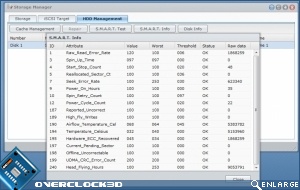
DSM3.0 allows you to view all Hard Disk Drives inside the NAS box, carry out SMART diagnostics and format them where required. Again the menus are very intuitive.
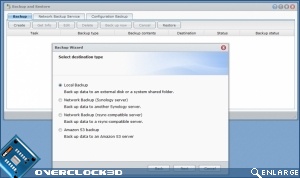
On a similar note, it is also possible to undertake internal and external file backup. The NAS servers can be configured in order to assign scheduled times for this to occur.
