


Synology NAS DS211 & DS411j Review

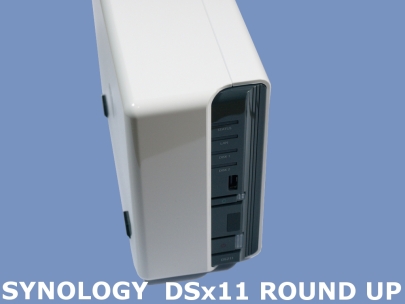
Installation Process & Synology Assistant
A major aspect these products is the ease of use, starting from installation. After all we are living in an era where devices such as these are becoming common place in many (non technically minded people’s) homes. Thankfully this is an area where we can commend Synology as the installation process was a breeze.
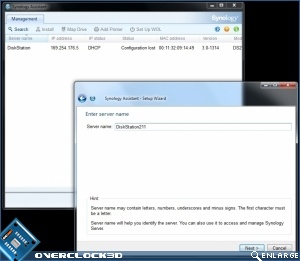
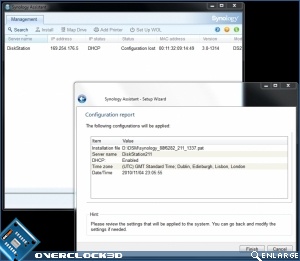
The installation CD is fully automated. Once the “Synology Assistant” is installed, all you have to do is open the application where it will locate your NAS on the local area network. You will be asked to locate the device’s firmware on the CD however it is easily accessible. From here on the server is ready to use.
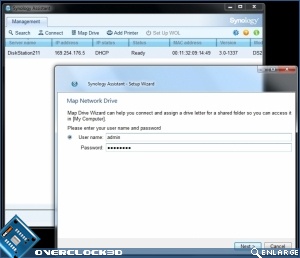
The Assistant offers other basic facilities such as the ability to add a network printer, map your NAS’ Hard Disk volume to client machines as well as view real time information pertaining to CPU, LAN and Memory utilisation.
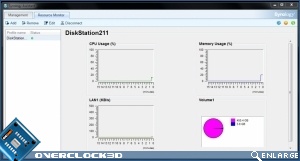
Synology Assistant barely scratches the surface of these NAS Servers’ facilities. Let’s press on…
