AIDA64 Extreme Review

Under the Hood
One of the things we always worry about when a piece of software gets updated is a needless change to the UI. Anyone suffering with the new Windows Live Messenger is nodding right now.
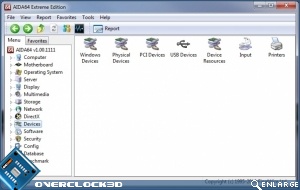
Thankfully FinalWire have rightfully kept AIDA64 looking identical to its predecessor. Everything is exactly where we are used to finding it, although as we’ll see on the next page there are plenty of changes to make the upgrade worthwhile.
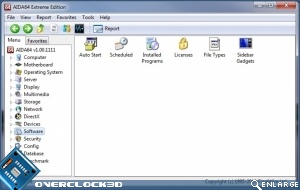
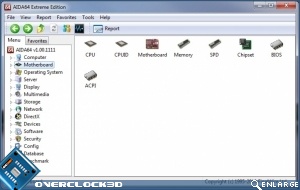
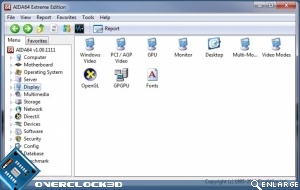
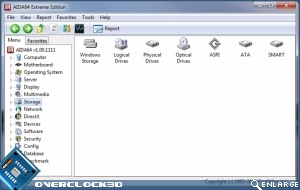
There are two main ways to navigate AIDA64. You can either use the collapsing tabs in the left pane, or the icons in the right one. Choice is always important.
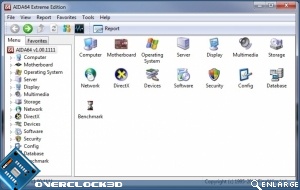
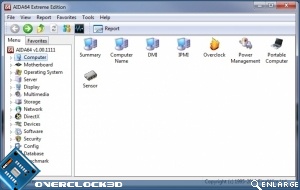
The Motherboard section is one of the most important and information rich sections of the entire program. The Display menu has a lot of options too although it obviously doesn’t test gaming performance as robustly as dedicated packages. Then again it isn’t designed to.
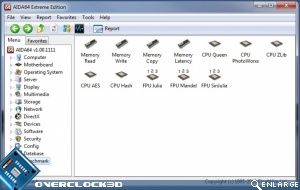
Without question most of your time will be spent in the final option, benchmarking. Every new release sees improvements to the algorithms used in the benchmark testing and, most importantly, AIDA64 has an entirely new benchmark too.