SteelSeries Sensei Gaming Mouse Review


The Sensei
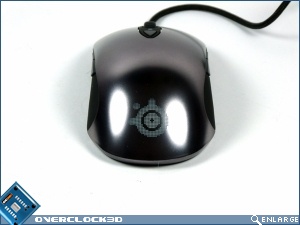
I think that someone has it in for me lately. Everything I’ve had to photograph recently has been piano black and the first thing that isn’t is chrome.
The design is amazing to look at and, once again, pictures really don’t do it justice. It almost looks molten it’s so smooth and rounded. We’ve seen this design before in the SteelSeries Xai, but somehow in the matt black it wasn’t as impressive. Here, in the Sensei, it’s jaw dropping.
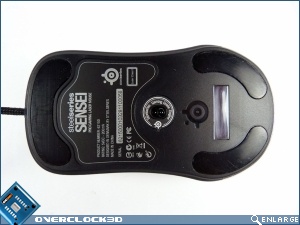
All the fun stuff isn’t confined to the top though. Underneath are three large slippery feet to make sure that using the Sensei isn’t restricted by the friction between the mouse and your pad of choice.
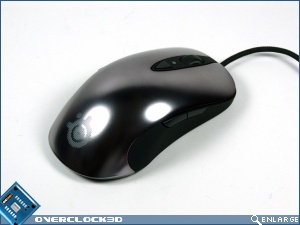
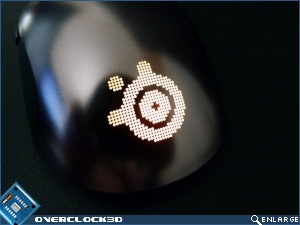
The SteelSeries logo on the back of the Sensei is quite a party piece being able to be lit up in any colour that you can think of.
On the left things seem fairly normal with the standard front/back buttons.
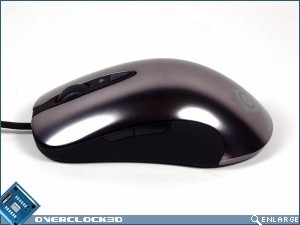
On the right-hand side, in keeping with the ambidextrous design of the Sensei, we also have two buttons. These aren’t a token effort either, but exact replicas of those on the left.
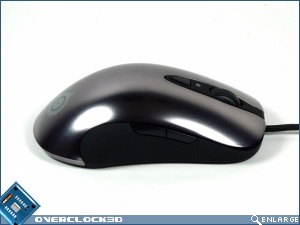
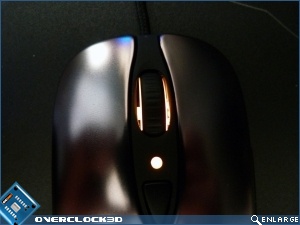
Up front there is lighting around the scroll-wheel, equally capable of glowing in any colour of your choosing, an indicator LED (again, any colour you like) that tells you which of two DPI modes you’re currently in. This is switchable when you press the button that is just below it.
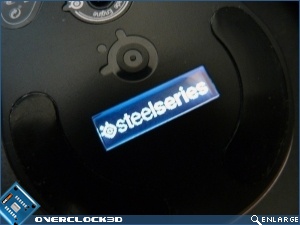
Finally beneath the Sensei we have the LCD display which, here, displays the SteelSeries logo. But can also be used for other things, which we’ll cover on the next page.