SteelSeries Sensei Gaming Mouse Review

Packaging
Published: 30th September 2011 | Source: SteelSeries | Price: £90 |
Packaging
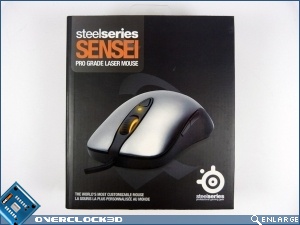
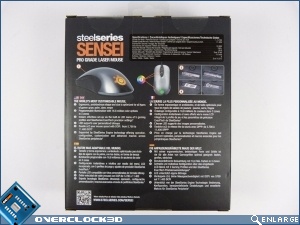
The Sensei comes in the now classic SteelSeries packaging of dark grey with orange and white text. Round the back we have the features highlighted, which is what we're here for so let's press on.
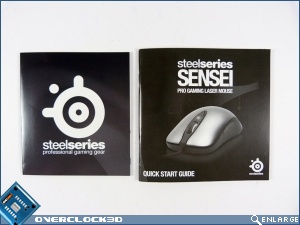
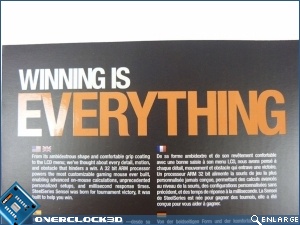
It's worth noting that this isn't your regular cardboard box that will collapse once you take the innards out. This is seriously sturdy as one would expect from a top-of-the-range product such as the Sensei. Under the front flap are large orange words that I think we can all identify with. Winning is everything. Other than that there is the normal SteelSeries inclusions of a quick-start, a manual, and some SteelSeries stickers to brand your rig.
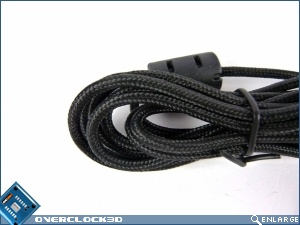
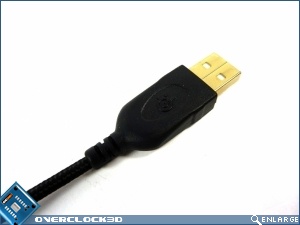
The first thing you see when you pop the top of the packaging is the cable, and it gives a strong indication of what you'll find beneath. Soft tightly braided cable with a gold-plated USB. The gold-plating is fairly common, but braiding of this quality certainly isn't.
Enough preamble, time for the Sensei to appear.
Most Recent Comments
Don't see the reason for a LCD on the bottom of it but the features and the software look pretty nice.
Be nice if they did a cheaper version without the LCD screen.
Having the option to change the LED colours is a bit of a useless thing also but I guess some people buy hardware for what it looks like more than how it functions.
I was looking at the Xai a while ago as I used to use a Intellimouse Explorer 3.0 and the shape seems so much similar.
I ended up getting another Razer Deathadder tho.

|
I've come directly from the Ikari to this, and i have to say it competes in every way. I was worried about not liking the shape as the Ikari fits your hard really snugly; but i have to say that i have had no issues so far! The only minor qualm i have is that whenever i startup my computer the profile reverts to the default. |
Maybe you should make a copy of the default profile, save it to another safe storage and then overlap the existing default profile with your own profile? I haven't had a problem like that before. I have both the Kinzu and the Ikari. I really enjoy using the Ikari even for regular use and not gaming. My Ikari's scroll wheel is making high pitched squeeking sounds. Not sure why though. My Kinzu is having a problem of constantly double clicking when I single click. No idea why this is happening to my mice. I haven't had them for long either.


Continue Reading