Gigabyte Aivia M8600 Mouse Review

Software
The Aivia M8600 comes equipped with the Gigabyte Ghost software. It’s similar to the version we saw with the K8100 keyboard, but thankfully it’s infinitely easier to use as everything is clearly labelled. The is a single-click left and right handed switch, as well as a battery charge indicator and, at the top right, colour-coded profiles.
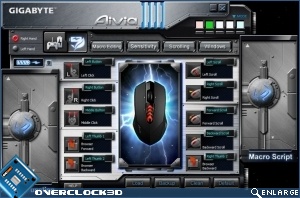
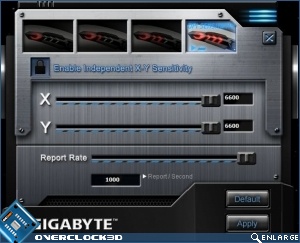
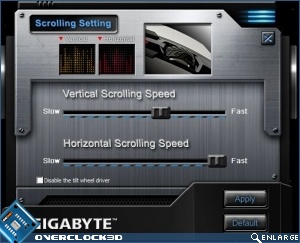
Across the top we have potentially four buttons that lead to hidden delights. Unfortunately the Windows button leads to the mouse control panel, and even in this latest v1.02 update the Macro Editor leads nowhere at all. The sensitivity and scrolling settings boxes are intuitive, although it’s difficult to get a sliding bar wrong. It might need a little warning that you’re passing out of the hardware DPI setting and into software interpolation, but that’s nit-picking an otherwise solid bit of software. Macro editing aside.