Gigabyte Aivia K8100 Keyboard Review

Up Close cont
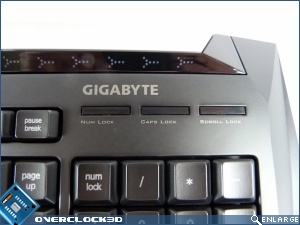
Despite the size of the lock indicators, they’re very subtly lit. Anyone who’s owned a keyboard with what seem to be spare lighthouses on them will appreciate that. Above those are the indicating lights for the touch-sensitive volume control. In case you can’t see how far your finger is along.
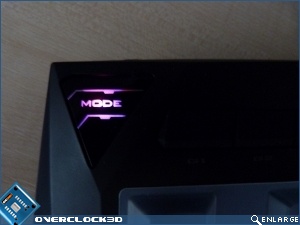
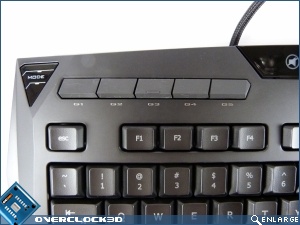
The top left of the keyboard is where the main parts are found. The Aivia K8100 has five programmable macro keys, and five different profiles, switchable by the mode button on the very top left.
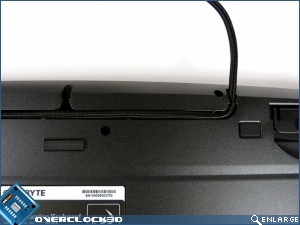
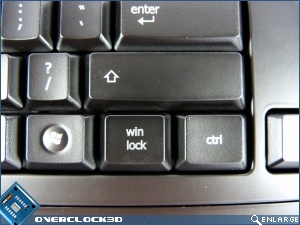
The cable can be routed out the back in two ways, either to the middle-left, or right in the centre. One very handy key is a Win Lock. We have lost count of the amount of times we’ve gone to crouch and found ourselves staring at the start menu.
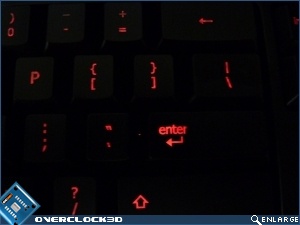
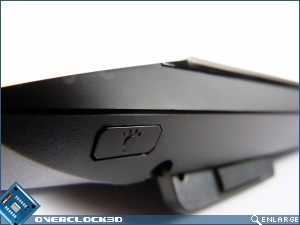
Nestled at the back is the toggle for the backlighting on your keys which, as you can see glow a gentle red colour when in action.
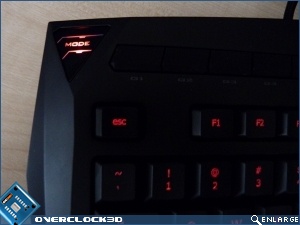
Handily the mode key lights up in 5 different colours which all correspond to the profiles that you can set in the Gigabyte Ghost software. Which we’ll look at on the next page.