


Gigabyte G1 Assassin Review

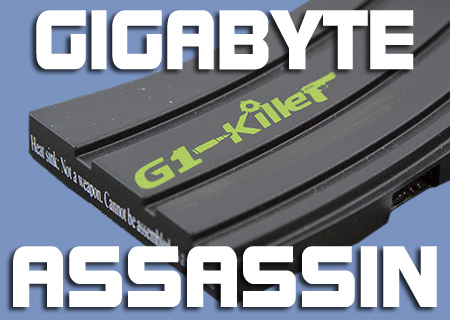
Pictures Part 1 – Accessories
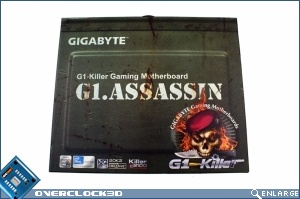
Grab yourself a cuppa and let’s crack on. The board is designed like an Ammo box and a very attractive piece of artwork it is too. Although a flaming skull holding a dagger is perhaps something we’d expect to see on a kids M16, you need to put any prejudices aside and accept Gigabyte have gone the full hog with the Military theme.
Speaking of which, fake bullet holes on the back.
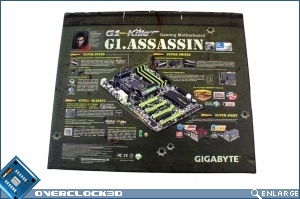
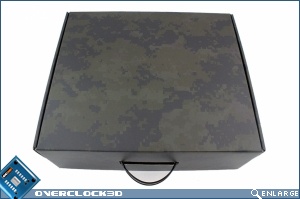
Once the box is removed things improve greatly with the latest digital camouflage pattern. Very nice.
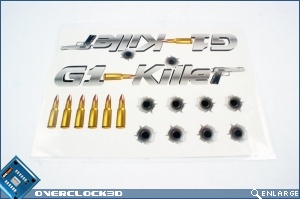
Should you desire to duplicate the design of the motherboard, or perhaps advertise your purchase, there are plenty of stickers included to allow you to do so.
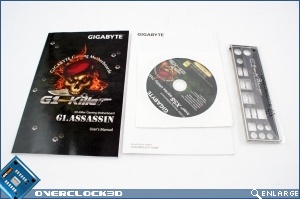
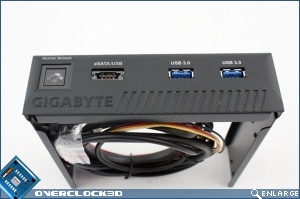
Besides the standard cable package, we also have a branded IO Shield. A very cool feature is the drive-bay USB 3.0 allowing you to use the latest USB3.0 compliant hardware without being stuck fumbling about at the back of the case.
One thing that will make the eyes of the oldsters amongst us go a bit misty is the inclusion of a Quick Boost button to enable overclocking in the middle of a firefight. To those who remember 486 Turbo buttons, what goes around..
On to the Assassin itself.
