ASUS Rampage 4 Extreme Review
BIOS - Everything Else
Published: 14th November 2011 | Source: ASUS | Price: £335 |

BIOS
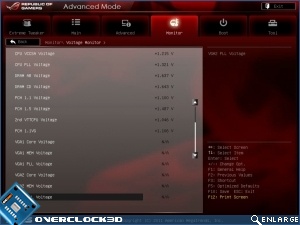
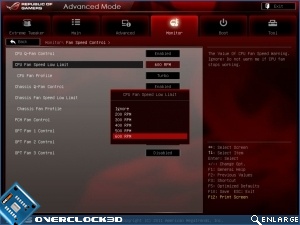
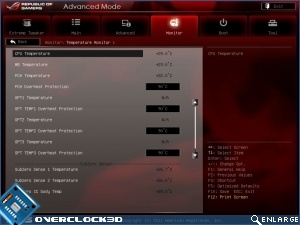
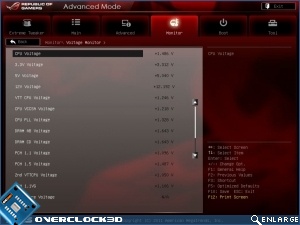
The amount of choice that you have with the Rampage is almost mind blowing. You can monitor your voltages with the ProbeIt. Or with the OC Key. Or on the voltage screens in the BIOS. Or on the monitoring screens in the BIOS. They haven't limited you to a single option if you prefer doing it one way to another.
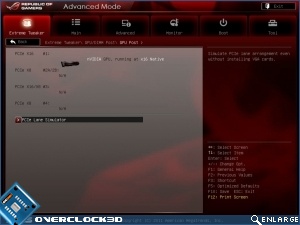
The screen on the right is a handy guide to knowing exactly the bandwidth available to your graphics card, and to each slot. Yes you can even see what would occur in certain configurations without actually installing it all if you so desire.
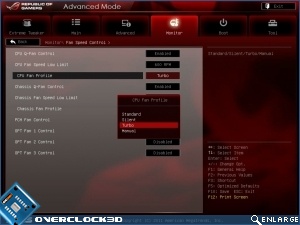
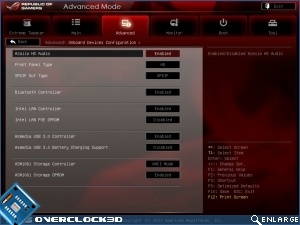
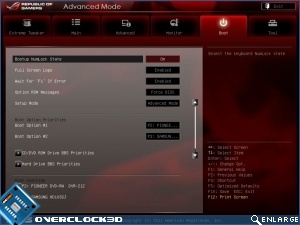
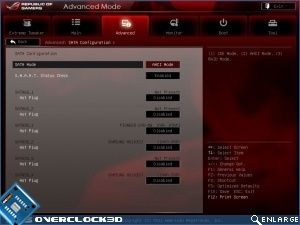
Finally we have some more normal screens that even those of you who never overclock will have come across. A staggering BIOS, in an entirely good way.
Most Recent Comments
A question
"The small box to the right of the SATAII is for reading the temperature of the board"
These connectors look suspiciously like K type probe connectors, are they?
Brilliant review as always and the fan is a no-no for me as well
I can say that the board looks magnificent, although changing the backplate practically made me **** my britches...take off the cpu cover then remove it, then turn over the board for the backplate. Eeeep.
About the chipset blower fan, wouldn't it be possible to make it run quieter with an inline resistor? Surely it can be rewired to spin slower if there's no manual BIOS adjustment...


It wouldn't be a new tech release without a new RoG motherboard to go with it. Welcome to the X79 Rampage IV Extreme review.
Continue Reading