ASUS Maximus 4 Extreme Review

ASUS Maximus 4 Extreme Review

BIOS Pt2

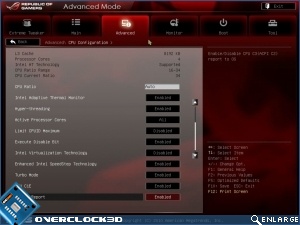
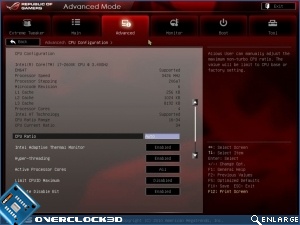
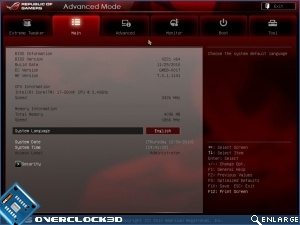
The Advanced screen gives us the chance to turn Hyper-threading off as well as C1E state and the normal CPU feature adjustment that Intel provide.

ASUS Maximus 4 Extreme Review     ASUS Maximus 4 Extreme Review  
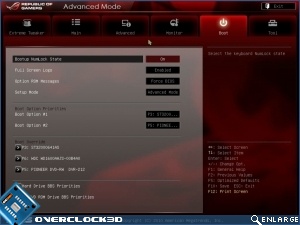
Full screen boot logos. Hugely irritating and probably the first thing that gets turned off. They are the equivalent to “congratulations on purchasing the….” blurb you get at the beginning of manuals. Yes we know what we’ve brought. Now let us focus on what we’re doing with it.
ASUS Maximus 4 Extreme Review     ASUS Maximus 4 Extreme Review  

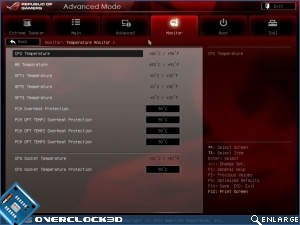
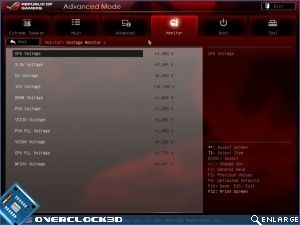
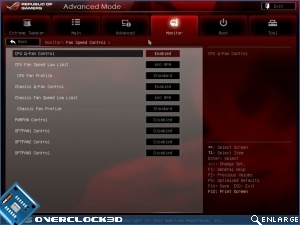
The monitoring elements are unchanged from previous BIOS’ we’ve seen with various temperature monitors and settings, as well as thermal shut-down levels.
ASUS Maximus 4 Extreme Review     ASUS Maximus 4 Extreme Review  

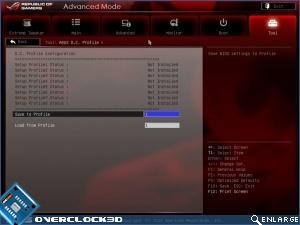
Despite being much simpler to overclock automatically, it’s much more complex to do so manually and so you’ll be making good use of the many BIOS save slots available to you.
ASUS Maximus 4 Extreme Review     ASUS Maximus 4 Extreme Review

Uh-oh! It looks like you're using an ad blocker.

OC3D relies on ads to provide free content and sustain our operations. By white listing us on your ad blocker, you help support us and ensure we can continue offering valuable content without any cost to you. We only run our own hand picked ads from Industry brands like MSI, BeQuiet, Sapphire and PC-Specialist - meaning they are all relevent to the content you are reading.

We truly appreciate your understanding and support. Thank you for considering whitelisting OC3D