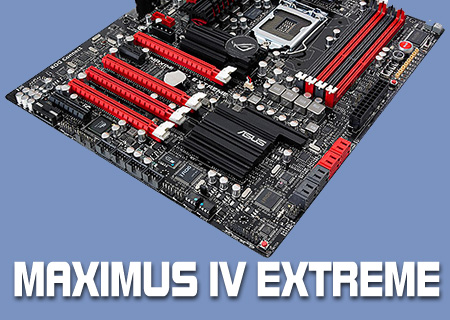
ASUS Maximus 4 Extreme Review

BIOS Pt1
It was nearly two years ago that we first saw the EFI BIOS which promised to revolutionise the way we treated the blue screens we see so much of. It was outstandingly impressive and we couldn’t wait for it to appear on motherboards. Multiple new chipsets have come and gone since then without a single one of them moving away from the standard “cursors and Enter” method of adjusting your BIOS. Finally though with the P67 Maximus IV Extreme from ASUS we see the mouse controlled BIOS making an appearance.
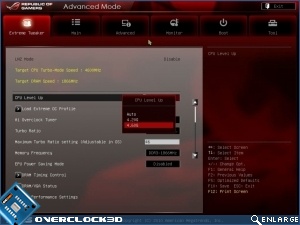
Instantly you can see what a benefit this has to legibility. Also the days of built-in overclocking giving a minuscule increase appear to be over as the CPU Level Up gives us the option of a staggering 4.6 GHz for our i7-2600K we’re testing with today.
Although the items have moved around a bit, and the way in which we navigate has certainly changed, generally speaking the adjustments that can be made are the same.
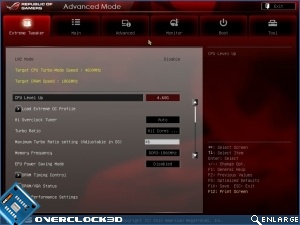
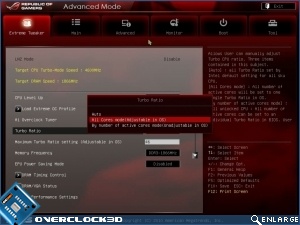
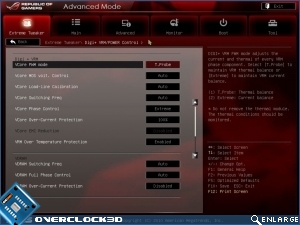
The Turbo Power screen on the right is important. The methodology of overclocking these new processors is very different indeed, and we discuss that in our CPU review that is also going up at the same time as this one.
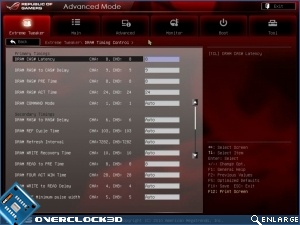
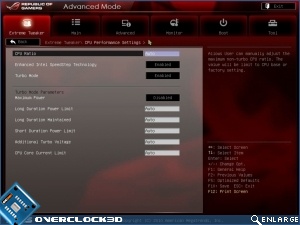
Power can be adjusted either based upon heat restrictions, or just going all out for maximum power. So much of the new chips and the chipset is based upon energy saving which makes sense considering the new overclocking method.
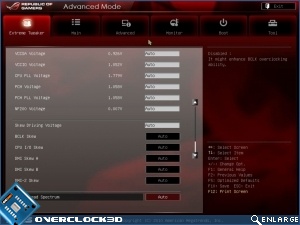
As you can see although it looks very different, it’s actually quite familiar too.