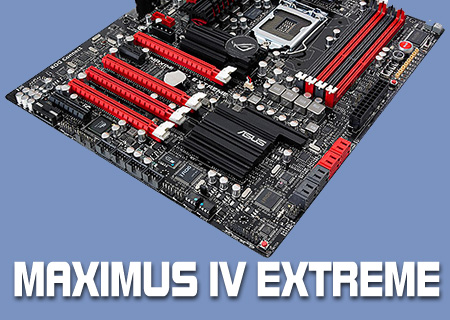
ASUS Maximus 4 Extreme Review

Closer Inspection
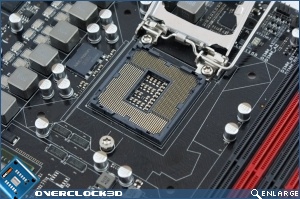
The CPU area is fairly busy with lots of power circuitry surrounding it above and to the left. Otherwise it’s the standard motherboard layout we’re all used to.
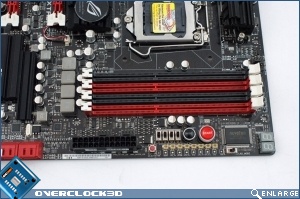
The DIMM sockets have the excellent single-clip retention method that is a boon for anyone who switches memory often, but sufficiently great that even if you only ever insert your RAM once you’ll appreciate it. Below that we have the ProbeIt monitoring points, as well as the onboard controls for power and reset. Almost hidden on the edge is the LN2 dip switch so those of you who play with sub-zero cooling can quickly fix the frozen issue.

With the left hand side of the Maximus IV Extreme full of eye-catching colours and heat-sinks it’s not a shock to see the bottom right-hand corner rather sparse in comparison. SATA II ports being grey and the SATA 3 ones being red is fairly formulaic. It’s a little surprising to see the Southbridge so plain. Even the Formula variants of the previous range had a little more pizazz.
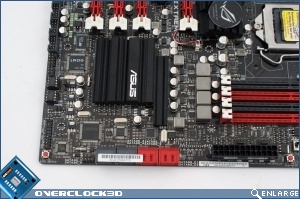
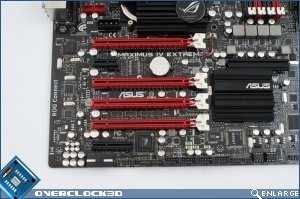
The left hand side of the board contains the extra Molex adaptor for extra GPU power should you be running a multiple card setup. It’s also where you can plug in the ROG Bluetooth adaptor we saw on the previous page.
For a new chipset the rear panel is outstandingly familiar. A combined PS2 port, USB ports, Network and audio jacks are exactly where you’d expect them to be.
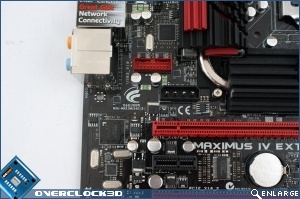
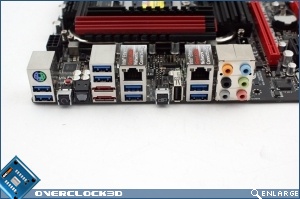
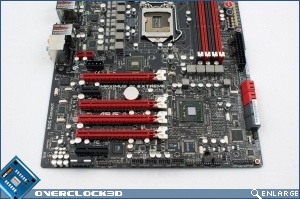
It may appear at first glance that the motherboard has a North Bridge but alas Sherlock that is actually an Nvidia NF200. Natively the P67 has 16 PCI-express lanes so 1×16 or 8x and 8x for Crossfire or SLI. By Asus adding the NF200 it allows the end user to have enough PCIE lanes to run up to 3 GPU’s. So if the board is familiar, which is a good thing considering how well built the ROG line of motherboards are, then what is the big change? Turn over to find out.