ASUS Maximus 4 Extreme Review

First Look
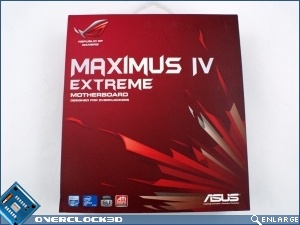
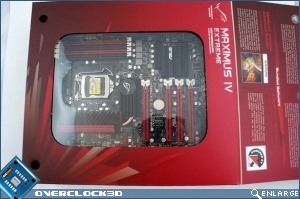
Externally the M4E keeps up the standard ROG style packaging, with clear and concise information provided throughout. Also nice to see is the de rigueur flap with a clear panel to enable you to get a good look at the board prior to purchase.
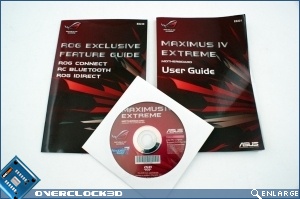
One element that the ROG boards always do well is the inclusion of extensive documentation. Whilst we could berate them for not having sufficient information upon the various BIOS settings or a troubleshooting guide that extends to more than “check it’s plugged in” these are faults that occur with every single motherboard manual on the planet and so it would be churlish to single out ASUS.
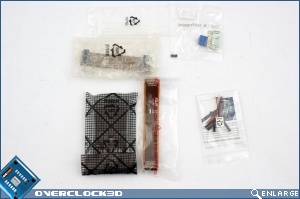
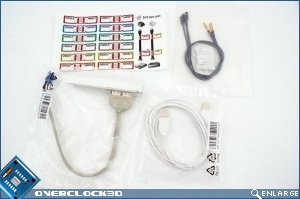
The stickers that can be used to identify the SATA cables are highly useful especially if you’ve got multiple storage identical devices. I’m sure we’ve all accidentally formatted our backup drive at some point in our lives.
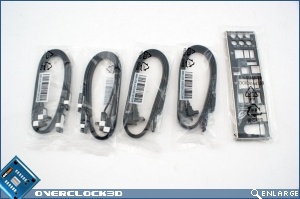
The IO Shield is gloriously padded. No more do we end up looking like we’ve sparred with Jason Vorhees after installing it.
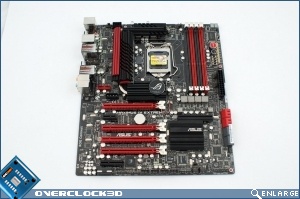
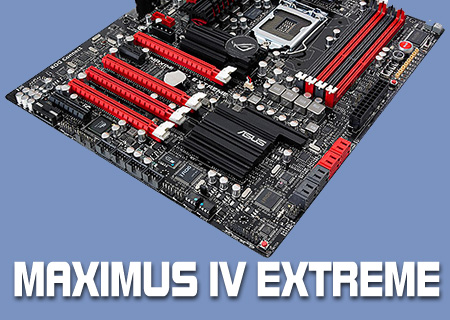
As you can see the board itself is very similar to the rest of the ROG lineup. Black and red abounds, although the heatsinks aren’t quite as outre as they were on the Rampage III.